
Introduction
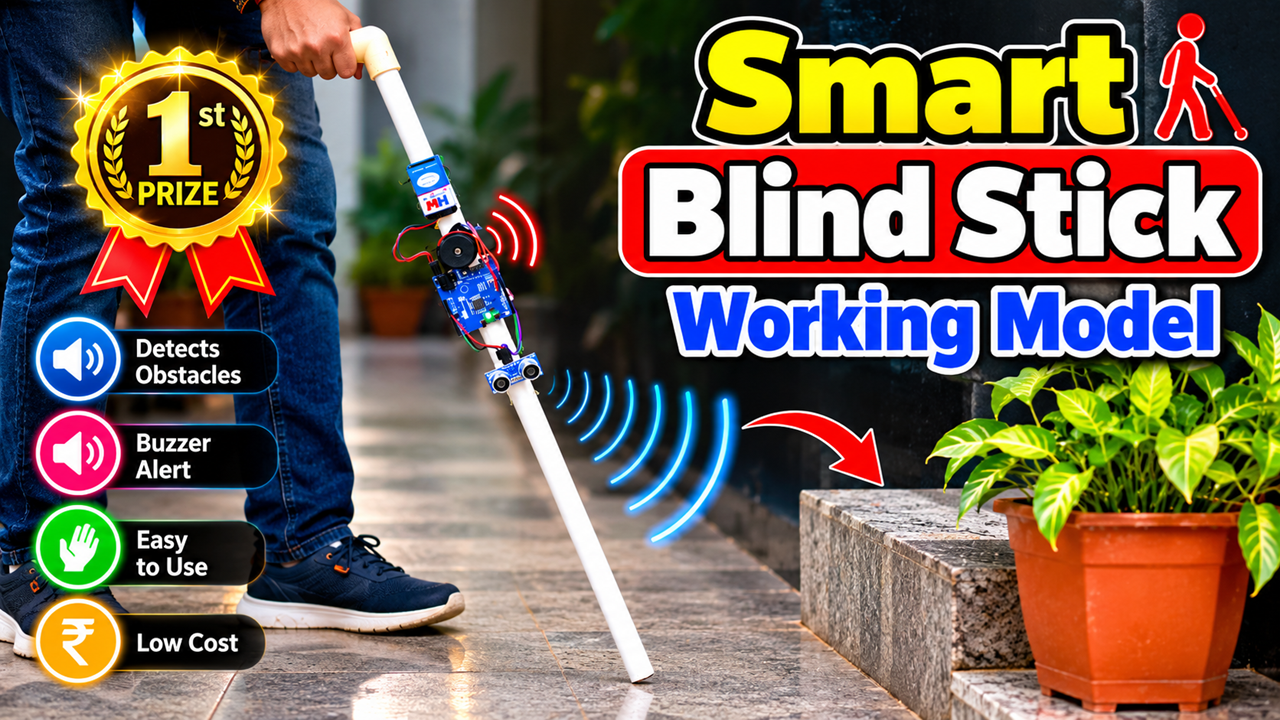
The Smart Blind Stick using Arduino UNO and Ultrasonic Sensor is an innovative DIY science project designed to demonstrate how electronics and sensors can assist visually impaired people. The project combines a traditional walking stick with simple electronic components to create a smart obstacle-detection system.
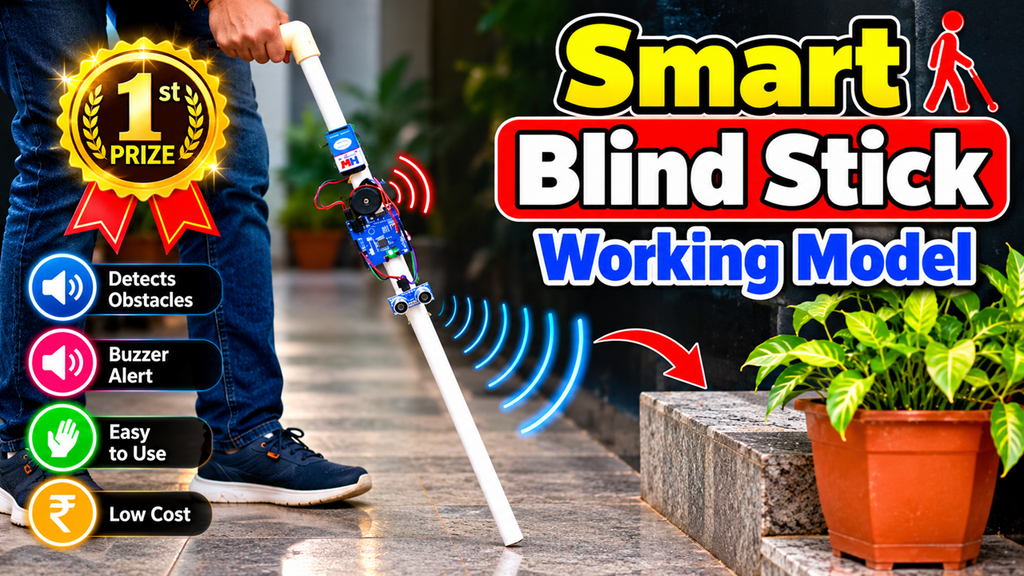
The main idea is to detect objects or obstacles in front of the user and provide an alert through a buzzer. This makes the project an excellent choice for a school science exhibition, Inspire Award project, innovation project, or DIY electronics demonstration.
The model can be constructed using an ordinary PVC pipe or walking stick, an Arduino UNO, an ultrasonic sensor, a buzzer, a battery, and connecting wires.
Aim of the Project
The main aim is to develop a simple and low-cost system that can:
- Detect obstacles in front of the stick.
- Measure the approximate distance of an obstacle.
- Alert the user using a buzzer.
- Demonstrate the application of Arduino and sensors in assistive technology.
- Encourage students to develop technology-based solutions for real-life problems.
Components Required
The major components required are:
- Arduino UNO
- HC-SR04 ultrasonic sensor
- Buzzer
- Battery or suitable power bank
- PVC pipe or walking stick
- Jumper wires
- On/off switch
- Small breadboard or mounting board
- Tape, glue, or cable ties
- Optional LED indicator
The components can be mounted neatly on the stick to create a compact working prototype.
Working Principle
The project works mainly on the principle of ultrasonic distance measurement.
The HC-SR04 ultrasonic sensor sends high-frequency sound waves toward an object. When these waves hit an obstacle, they are reflected back toward the sensor.
The Arduino UNO measures the time taken for the sound wave to return and calculates the approximate distance of the obstacle.
In simple terms:
Ultrasonic Sensor → Detects Obstacle → Arduino UNO → Processes Distance → Buzzer Alert
For example, if an obstacle is detected within a predetermined distance, the Arduino activates the buzzer.
How the Smart Stick Works
The ultrasonic sensor is mounted near the front portion of the stick so that it can detect obstacles in the user’s path.
When the system is switched ON, the Arduino continuously receives information from the ultrasonic sensor.
If there is no obstacle within the selected detection range, the buzzer remains OFF.
When an obstacle comes within the programmed distance, the Arduino sends a signal to the buzzer.
The buzzer then produces an audible warning.
An advanced version can be programmed so that the buzzer frequency changes according to distance. For example, a distant obstacle can produce slow beeps, while a nearby obstacle can produce faster beeps.
This gives the user an indication of how close the obstacle is.
Role of Arduino UNO
The Arduino UNO acts as the brain of the project.
It receives the signal from the ultrasonic sensor, calculates the distance, and decides whether the buzzer should be activated.
Because Arduino is programmable, students can easily modify the detection distance and alert pattern.
This makes the project useful for demonstrating both hardware and programming concepts.
Role of the Ultrasonic Sensor
The ultrasonic sensor is the main sensing component.
It works without physically touching the obstacle. This is particularly useful for detecting objects in the user’s path.
The sensor can be positioned toward the front of the stick and programmed to detect obstacles within a selected range.
Advantages
The Smart Blind Stick model has several advantages:
- Simple to understand and demonstrate.
- Relatively low-cost prototype.
- Uses commonly available electronic components.
- Provides contactless obstacle detection.
- Demonstrates practical use of Arduino programming.
- Can be made portable.
- Suitable for school science exhibitions.
- Can be upgraded with additional sensors and features.
Future Improvements
The basic project can be developed into a more advanced assistive-technology prototype.
Additional features could include:
- Water detection sensor to detect puddles.
- Multiple ultrasonic sensors for wider obstacle detection.
- Vibration motor for silent alerts.
- GPS module for location assistance.
- GSM module for emergency notifications.
- Voice guidance using a speaker.
- Bluetooth connectivity.
- Rechargeable battery.
- LED indicators.
- Automatic emergency alert system.
These improvements can make the project more sophisticated while demonstrating how technology can address real-world challenges.
Inspire Award Innovation
For an Inspire Award-style project, students should focus not only on making the stick work but also on explaining the problem they are trying to solve.
The project demonstrates how a simple traditional walking stick can be enhanced using sensors, microcontrollers, and programming.
The innovation lies in converting obstacle detection into an automatic electronic warning system using inexpensive components.
Students can also collect feedback from potential users and identify additional problems such as water, stairs, low obstacles, or emergency situations. This can help them develop future versions of the project.
Conclusion
The Smart Blind Stick Using Arduino UNO and Ultrasonic Sensor is a practical DIY project that combines science, electronics, programming, and social innovation.
The ultrasonic sensor detects obstacles, the Arduino processes the information, and the buzzer provides an alert to the user. The project demonstrates how simple technology can be adapted to create assistive solutions for everyday challenges.
For a science exhibition, students can clearly explain the problem, working principle, components, limitations, and future improvements. The project can therefore serve as an excellent DIY, Inspire Award, and school science exhibition model while encouraging students to think about technology that can make people’s lives safer and more independent.